
Healthcare & medical practices
IT that keeps patients moving through the front desk and their records protected
EHR support, HIPAA Security Rule safeguards, encrypted backup, networks and a helpdesk for San Diego medical practices, from a team that has supported clinics for over 20 years.
- HIPAA Security Rule safeguards
- EHR support with your vendor
- Encrypted, tested backups
What we hear from practices
“The EHR slows down every morning at check-in.”
“We are not sure our risk analysis is current.”
“A lost laptop would be a reportable breach.”
“Our vendor and our IT person blame each other.”
The situation
Monday, 8:15, three patients at the check-in window
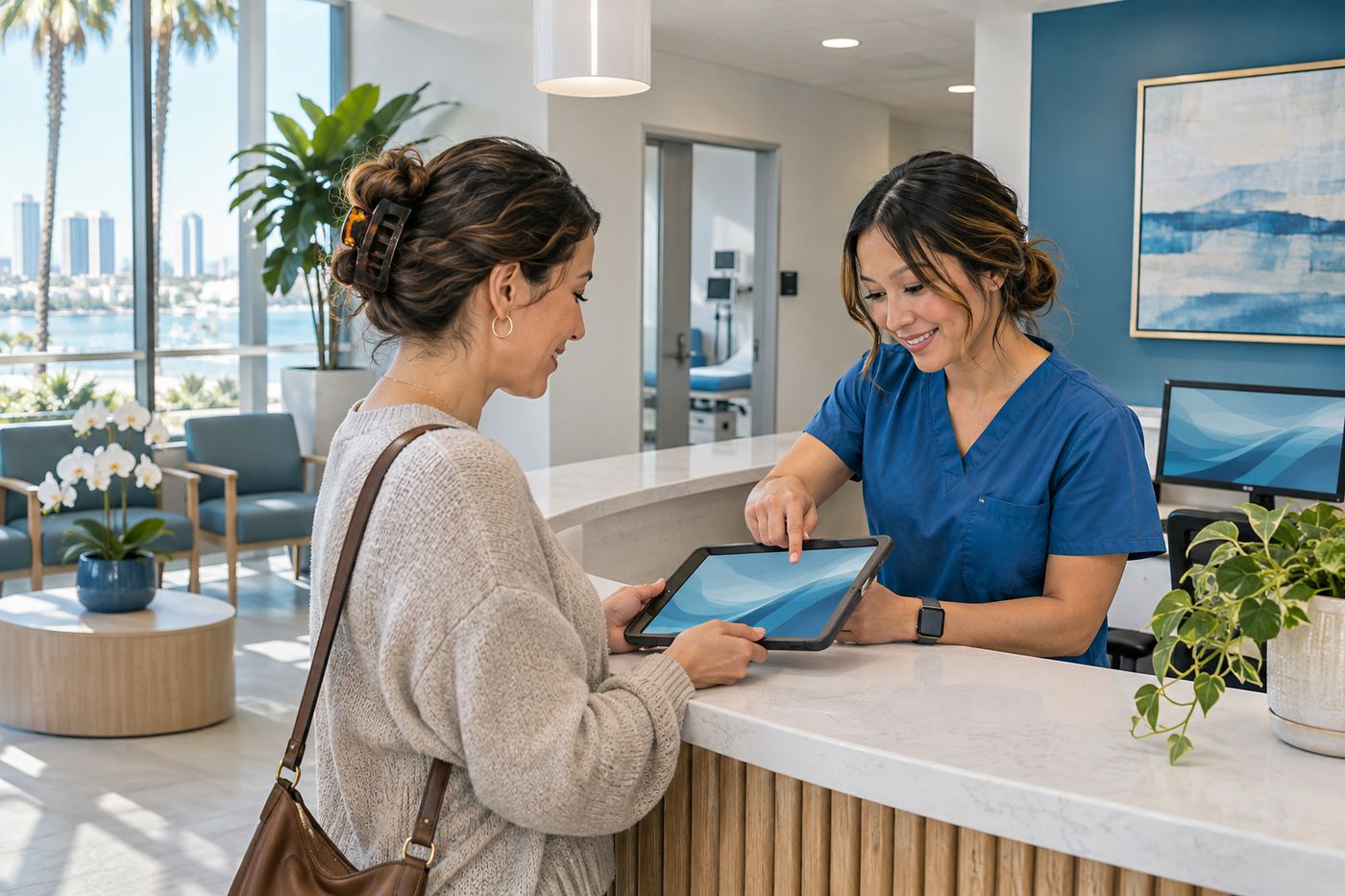
At 8:15 on a Monday, three patients are waiting at the check-in window, the EHR takes a minute to open each chart and the insurance card scanner has stopped responding. The schedule runs late for the rest of the day, and every system involved holds protected health information.
STN has supported clinics and healthcare organizations in San Diego for more than 20 years. We build HIPAA Security Rule safeguards into each service we run for a practice, from the front desk workstation to the exam room, and we keep the records that show it.
Service 01 of 06
HIPAA safeguards built into everyday IT
The HIPAA Security Rule expects your technical safeguards to be in place and documented every day, including the months when nobody is auditing you.
We put access controls, audit logging and encryption in place, keep the evidence current, and give you the technical findings your annual security risk analysis needs. When a payer, a hospital partner or an auditor asks how ePHI is protected, the answer is on file. Compliance decisions stay with your practice and its privacy and security officers. We supply the IT side.
What’s included
- Technical safeguards: access control, audit logging and encryption
- Support for your annual HIPAA security risk analysis
- Policies and procedures for IT and data handling
- Security awareness training for your workforce
- Records of device and media disposal
- Documentation ready for audits and partner reviews
How we work
- Safeguards are part of every service we deliver to a practice.
- Evidence is kept current through the year.
- Risks are revisited at each regular review.
Service 02 of 06
EHR and EMR support that keeps the schedule on time
When the EHR is slow or a provider can’t log in, the waiting room fills up.
We support the workstations, network, user access and integrations your EHR depends on, and we call the EHR vendor ourselves, so your office manager isn’t on hold during clinic hours. Upgrades are planned and tested after the last patient leaves.
What’s included
- Setup of workstations, printers, scanners and signature pads
- User access and roles for providers and staff
- Integrations with labs, imaging and billing
- Coordination with your EHR and practice management vendor
- Upgrade planning and testing outside clinic hours
- Performance monitoring of EHR servers and connections
How we work
- We call the EHR vendor for you.
- Upgrades happen outside clinic hours.
- Login problems get fixed first, because a provider who can’t log in can’t chart.
Service 03 of 06
Encrypted backup for clinical and business data
Ransomware, a dead server or a deleted folder shouldn’t cost you patient records.
We back up servers, files and Microsoft 365 with encryption, keep offsite copies that can’t be altered, and test recovery on a schedule. That work maps to the Security Rule’s contingency plan standard, which asks for a data backup plan, a disaster recovery plan and emergency mode operation procedures. We write those down for your practice.
What’s included
- Automated, encrypted backups of servers and files
- Offsite, immutable copies that ransomware can’t change
- Microsoft 365 email and file backup
- A documented recovery plan and emergency mode procedures
- Scheduled recovery tests with written results
- Retention settings matched to your record policies
How we work
- Data is encrypted in transit and at rest.
- Ransomware can’t change the backup copies.
- Recovery is tested on a schedule, and the results are written up.
Service 04 of 06
Networks and Wi-Fi for every location
The EHR, phones, imaging and the waiting room Wi-Fi all share your network, and each needs the right speed and the right separation.
We design and manage networks that put clinical systems on a protected segment and give patients a guest Wi-Fi that can’t see anything else. Multiple offices are linked over secure site-to-site connections. A second internet line takes over by itself if the first one drops.
What’s included
- Managed firewalls, switching and business Wi-Fi
- Separate guest Wi-Fi for patients
- Segmentation for clinical, imaging and phone systems
- Secure site-to-site links for multi-location practices
- Redundant internet with automatic failover
- Network monitoring around the clock
How we work
- Patient Wi-Fi is kept apart from clinical systems.
- All your locations run as one network.
- Monitoring catches most problems early.
Service 05 of 06
Cybersecurity for the practice and its patients
One phishing email can lock a practice out of its records for days.
We protect each computer, mailbox and login with layered security. It is monitored 24/7, with a response when something looks wrong. Staff get phishing simulations, so the person most likely to click learns on a test email first.
What’s included
- Endpoint detection and response on every computer
- Encrypted email and advanced phishing protection
- Multi-factor authentication for the EHR, email and remote access
- Phishing simulations and training for staff
- Security monitoring and incident response, 24/7
- Vulnerability scans and patch reporting
How we work
- Protection covers endpoints, email and identity.
- Someone is watching around the clock.
- Staff practice on simulated phishing before they meet a real one.
Service 06 of 06
A helpdesk that talks to your staff in plain language
Providers and front desk staff need answers fast, in words that make sense to them.
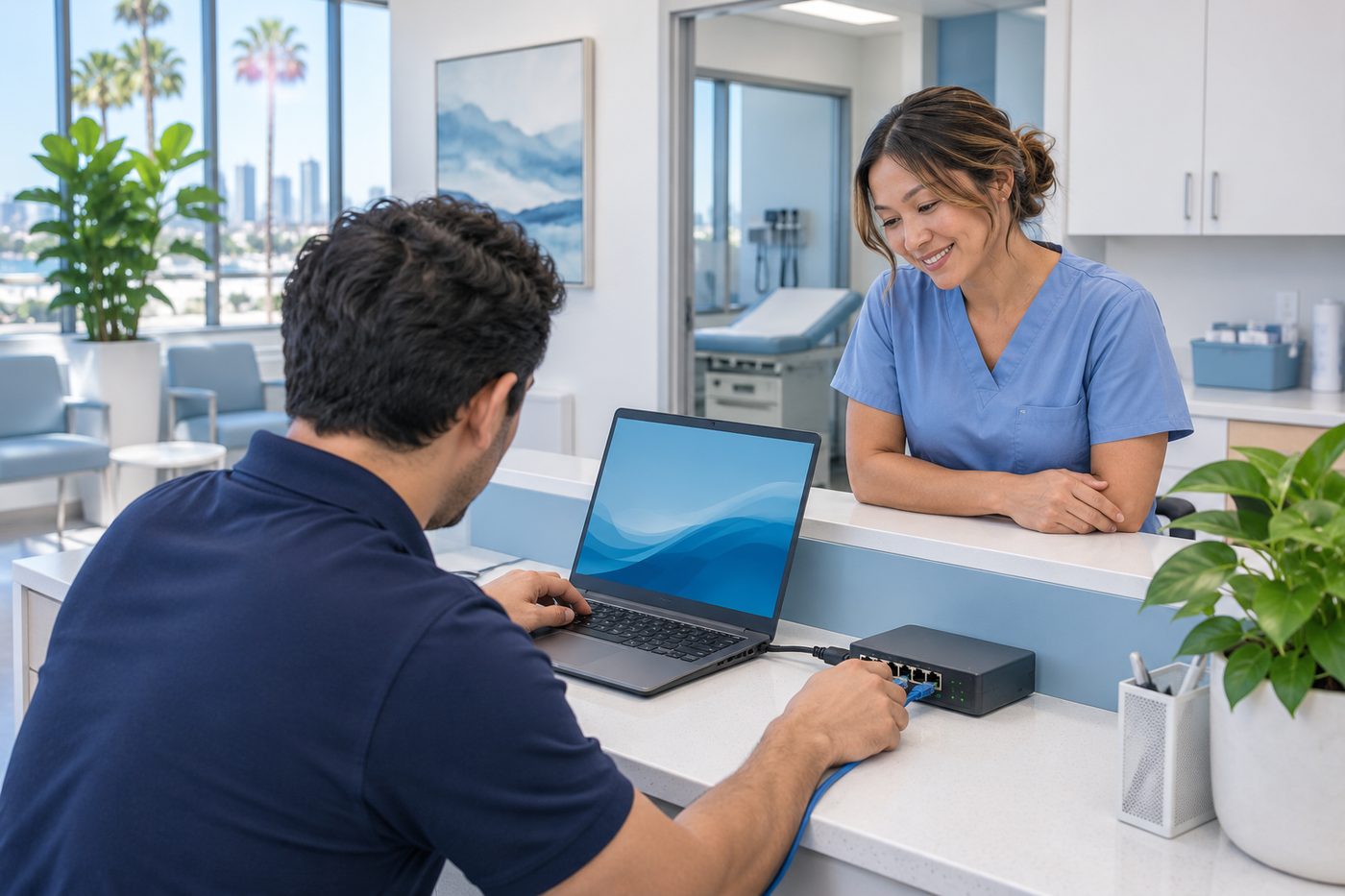
Our helpdesk knows your practice, your EHR and your people. We fix what we can remotely, and our San Diego engineers come on site when that’s the faster route. Anything that stops patient care goes to the front of the line.
What’s included
- Phone, email and portal support for every user
- Remote fixes first, on-site visits when needed
- Priority handling for anything that stops patient care
- Onboarding for new providers and staff
- Every ticket tracked to resolution
- Monthly reporting on tickets and trends
How we work
- We explain things without jargon.
- Patient care issues come first.
- Our engineers are local and come on site in San Diego.
Systems we work with
EHR and clinical platforms practices commonly run. We support the workstations, network and access underneath and work directly with your EHR vendor on application issues.


- athenaOne
- eClinicalWorks
- NextGen

- PACS imaging

Our process
What working with us looks like
- 1
Assess
We walk the practice. Check-in, exam rooms, the server closet and every place ePHI is stored, scanned or printed.
- 2
Plan
Paperwork comes before access. The service agreement is signed before we touch any system that holds patient data.
- 3
Transition
Changes happen after clinic hours. Upgrades, migrations and maintenance are scheduled around your patient schedule.
- 4
Manage
We review risks and records with you. Regular reviews cover tickets, risks, hardware lifecycle and budget, and feed into your annual security risk analysis.
Questions
Healthcare IT, answered
Something else on your mind? Call (844) 786-7247 and talk to an engineer.
Do you support our EHR?
We support the workstations, network, access and integrations your EHR runs on, and we work directly with the vendor on application issues.
Can you help with our HIPAA risk analysis?
Yes. Your practice owns the risk analysis. We supply the technical findings, safeguards and documentation it needs.
Do you support practices with more than one location?
Yes. We connect and manage your offices as one secure network, with one helpdesk for all of them.
Will IT work interrupt clinic hours?
No. Upgrades, migrations and maintenance are scheduled after the last patient leaves, and login problems during clinic hours get fixed first.
Start a conversation
Book your free IT assessment
An STN engineer will go over your EHR setup, backups and network with your office manager. Or call (844) 786-7247.
- Reply within one business dayA local engineer reviews your request, not a sales bot.
- Prefer to talk?(844) 786-7247
- San Diego office7950 Silverton Ave., Ste 111, San Diego, CA 92126
By sending this form you agree to our Privacy Policy. We never share your details.